AI Photo Editor
Edit a Photo by Describing the Change.
Upload a photo and tell the bot what to change — replace the background, remove an object, restyle or enhance. Nano Banana (Gemini 3) does the edit in Telegram. No desktop editor.
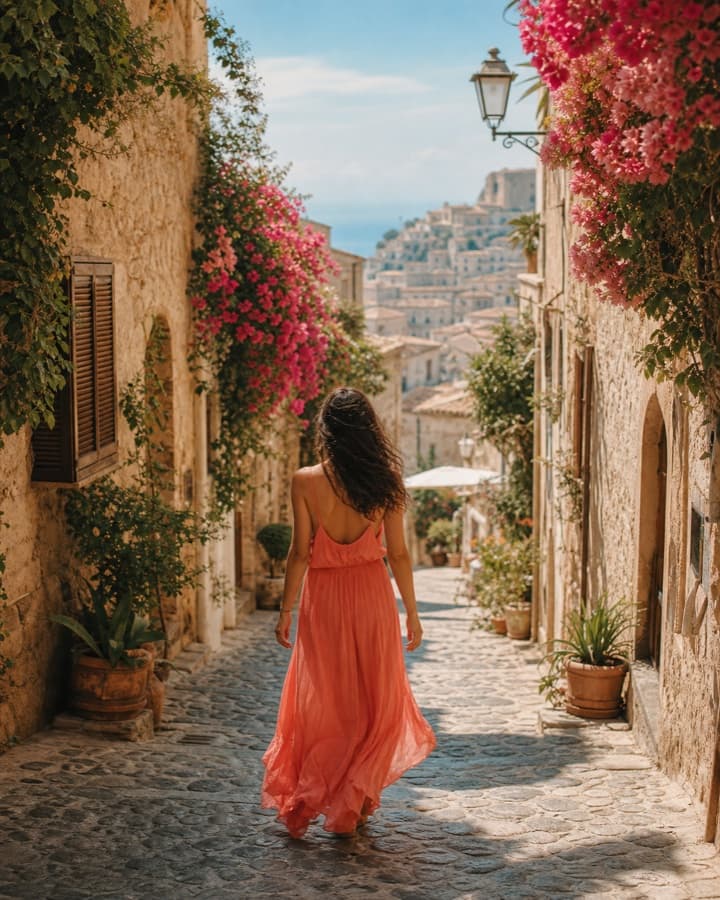 Nano Banana (Gemini 3)
See the difference
Your photo is the anchor — describe the change, get it back in chat.
What people edit
- Sellers
- Clean up a product photo — swap the background, remove clutter
- A tidier listing image without a desktop editor, straight from the photo you have.
- Creators
- Restyle or enhance a shot, or remove an unwanted object
- An edited image generated from a plain instruction, returned in chat.
- Anyone with a phone
- Fix or transform a photo without learning Photoshop
- Tell the bot what to change; it edits the image and sends it back.
How the AI photo editor works
- 01
Upload a photo
Send a photo to @vustPortraitBot and choose Edit. Your photo stays the base; you describe the change.
- 02
Describe the edit
"Replace the background with a plain studio grey", "remove the person on the left", "make the lighting warmer".
- 03
Get the edited image
The bot returns the edited photo. Not right? Adjust the instruction and edit again in the same thread.
Edit a photo in chat
Send a photo to @vustPortraitBot, describe the change, and get the edited image.
What the editor does
Prompt-based editing
Background replace, object removal, restyle, and enhancement are driven by a text instruction over your uploaded image — not manual layer work.
Your photo is the anchor
Edits build on the image you send. For brand-new images from scratch, use text-to-image instead.
Safe edits only
Editing a real person's protected attributes or undressing anyone is blocked. Ordinary edits — background, objects, lighting, style — are fine.
Frequently asked questions
How does the AI photo editor work?
You send a photo to @vustPortraitBot in Telegram, choose Edit, and describe the change in plain words — "replace the background", "remove the cable", "make the lighting warmer". The bot edits your image and sends it back. There is no desktop editor or layers to learn.
What kinds of edits can it do?
Background replacement, object removal, restyling, and enhancement — all driven by a text instruction over the photo you upload. For a brand-new image from scratch, use text-to-image instead.
Does it edit my photo or generate a new one?
It edits the photo you upload — your image is the anchor and the changes build on it. That is different from text-to-image, which creates a new picture from a description.
Is there anything it won't edit?
Editing a real person's protected attributes, or undressing anyone, is blocked. Ordinary edits — backgrounds, objects, lighting, style — are fine. Explicit, illegal, or harmful requests are refused.
Do I need an account or a credit card?
No new account and no browser extension — the bot runs inside Telegram, so the Telegram account you already have is the login. Payment, when you get to it, happens in the same chat.
Can I keep editing the same image?
Yes. If the result is not quite right, adjust the instruction and edit again in the same thread, or combine edits — swap the background, then remove an object.
Ready when you are
An AI photo editor in Telegram.
Replace backgrounds, remove objects, restyle and enhance — by describing the change. No desktop editor, pay inside Telegram.